Bring the table of contents back on narrow screens, as a button and a bottom sheet.
Quarto filter
Mobile TOC
Bring the table of contents back on narrow screens, as a button and a bottom sheet.
Terminal
quarto add mcanouil/quarto-mobile-toc@0.2.0This will install the extension under the _extensions subdirectory. If you are using version control, you will want to check in this directory.
Install it from your editor with Quarto Wizard:

By default, below 768 pixels, Quarto hides the table of contents and shows nothing in its place. On a phone, a reader of a long page then has no outline and no way to jump to a section. Quarto tracks this problem as quarto-cli#5961.
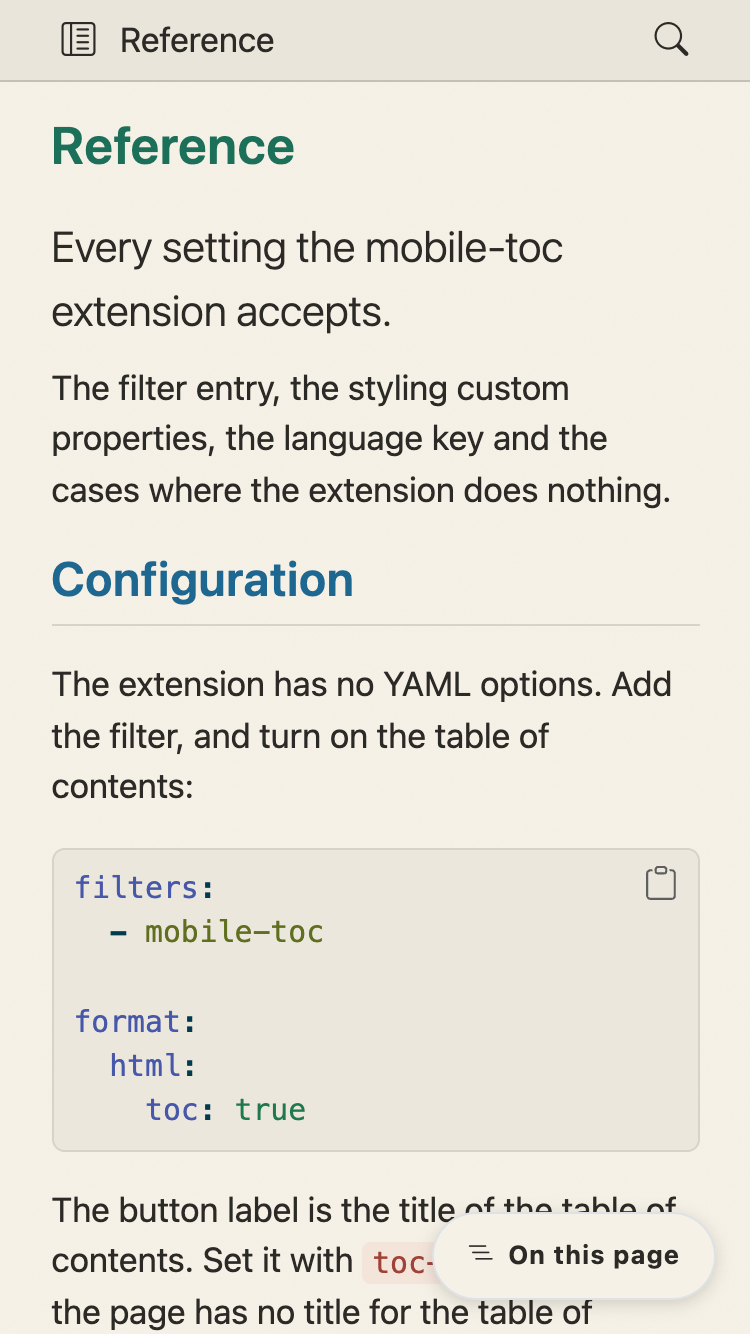
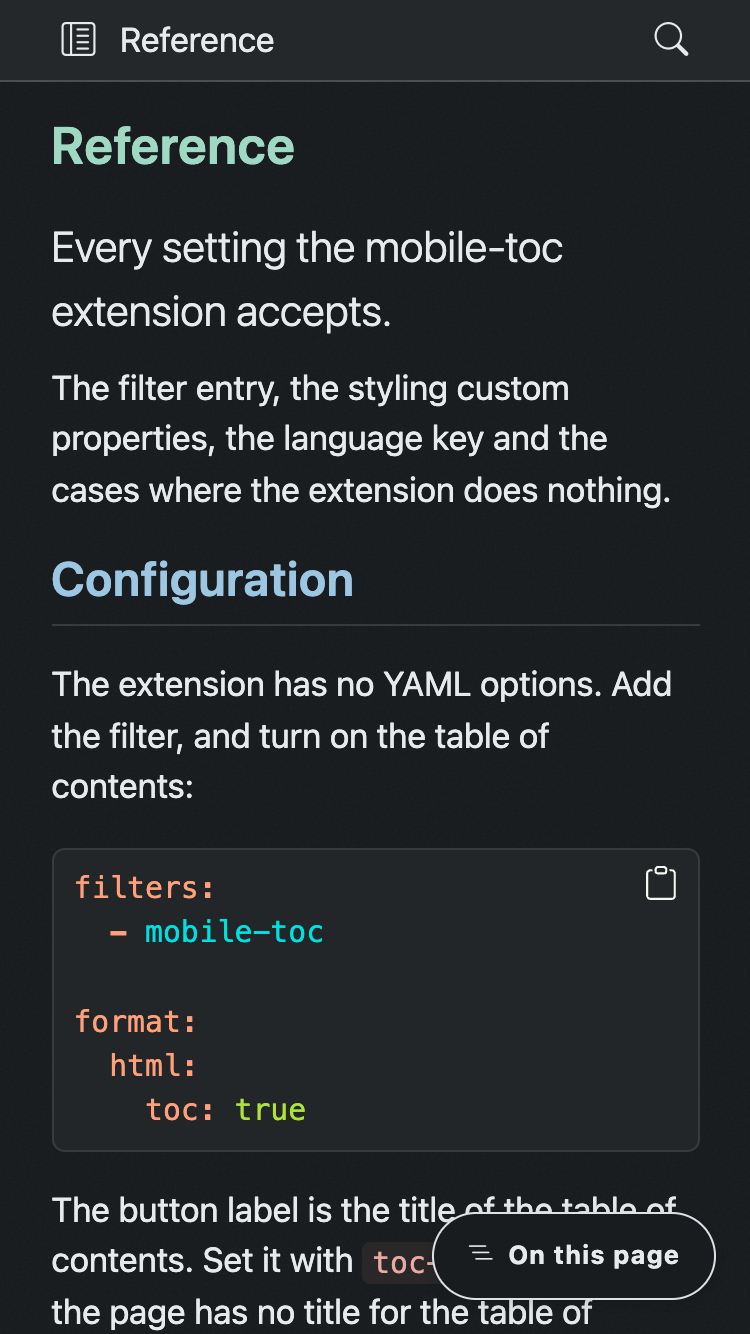
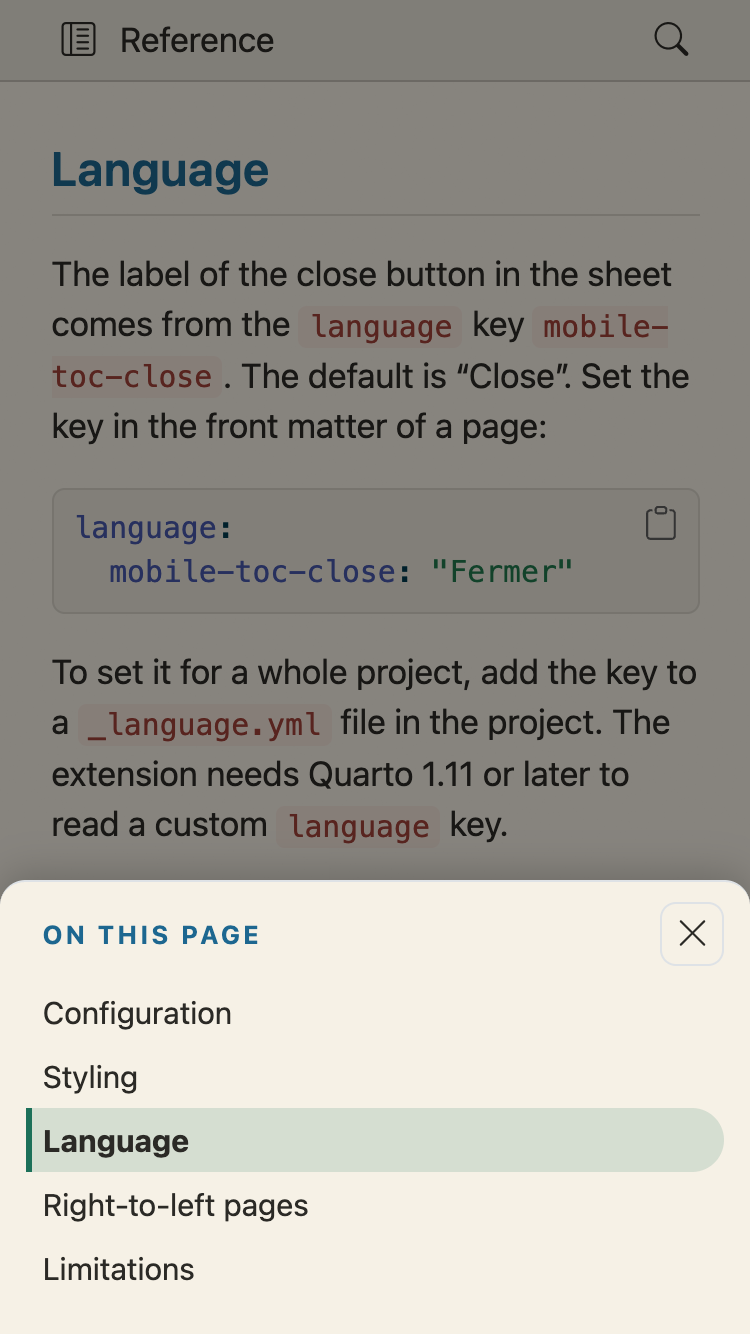
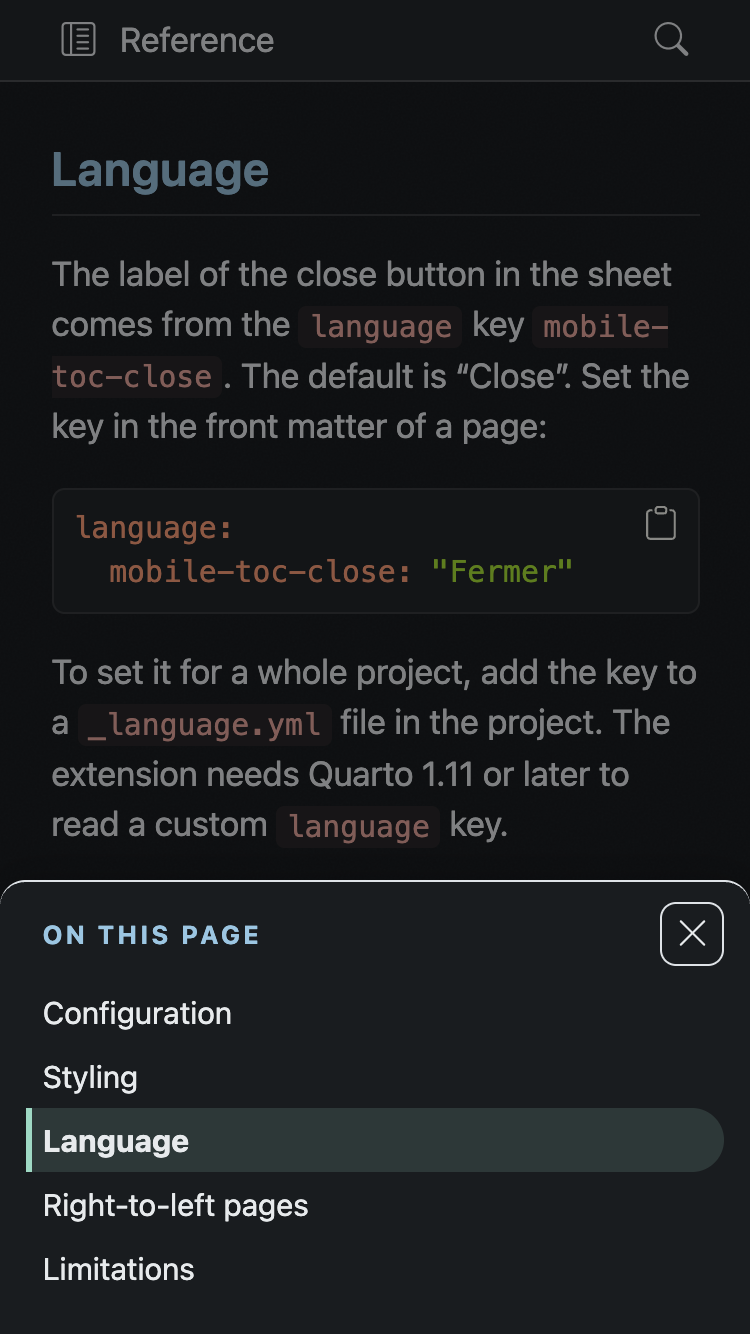
This extension adds a button in the bottom corner of the page. The button opens the same table of contents in a bottom sheet. It needs no configuration, and it takes its colours from your theme.
| Light | Dark |
|---|---|
 |
 |
 |
 |
Quick start
Add the filter to the front matter of a page, or to _quarto.yml for a whole project:
filters:
  - mobile-toc
Make sure that the page has a table of contents:
format:
  html:
    toc: true
Open the page in a window narrower than 768 pixels, the default md breakpoint of the theme. The button shows the title of the table of contents, for example “On this page”. Select the button to open the sheet. Select a heading to close the sheet and go to that heading.
To turn the button off for one page, set toc: false on that page.
See the Reference for the colours and the spacing you can change, and the Examples for the button on a website and on a book.
Where it works
The filter works in HTML output that uses Bootstrap, which includes single documents, websites and books. It does nothing in other formats, such as Reveal.js, PDF, Typst and Word. It also does nothing when the page has no table of contents, when the table of contents is in the body of the page, or when it has fewer than two links. A browser without the Popover API shows the page as it was, with no button.
Links
- Reference for the styling properties and the language key.
- Examples for the button on different pages.
- Changelog for what each release changed.
- Source and issues on GitHub.