Atelier
An accessible, brand-driven documentation-website project type for Quarto.
Thursday, the 29th of October, 2026
Quarto project type
Atelier
An accessible, brand-driven documentation-website project type for Quarto.
Terminal
quarto add mcanouil/quarto-atelier@0.11.0This will install the extension under the _extensions subdirectory. If you are using version control, you will want to check in this directory.
Or install it from your editor with Quarto Wizard:

Brand
One brand file, every surface
A documentation site needs a navbar, a sidebar, a footer, a 404 page, social metadata, and a colour scheme that holds up in both light and dark. Assembled by hand they drift apart, and the accessible behaviour is the first thing to go.
atelier is a Quarto project type that derives all of it from one _brand.yml. This site is itself an atelier project: its _quarto.yml sets project.type: atelier, and toggling the colour scheme shows the code, tabset, and scrollbar surfaces stay correct in both.
Where it works
Websites rendered to HTML. The project type sets format: atelier-html, and contributes the theme, the bundled scripts, and the social-metadata filter to it, so a project that renders to any other format is left alone.
Quick start
Quick start
- Set the project type. Put
project.type: atelierin your_quarto.yml. - Name the repository.
website.repo-urlgives the edit and issue links. - Render the site. Run
quarto render, then publish the_sitedirectory.
Set the project type in your _quarto.yml:
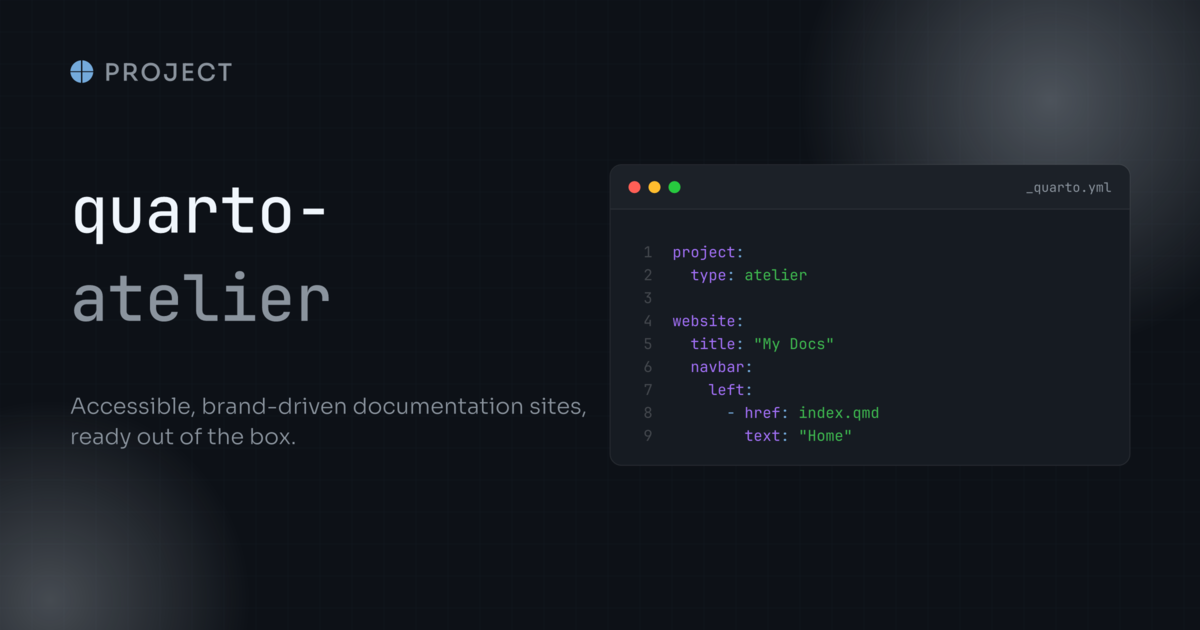
_quarto.yml
project:
  type: atelier
website:
  title: "My Docs"
  repo-url: https://github.com/owner/repo
Configure
Configure atelier-html
The project type sets format: atelier-html. Configure that format by name when you need to change format options or add a stylesheet.
Your stylesheet is appended after the extension’s, so its rules win the cascade. It can use the theme’s body-mix() function and the Sass variables generated from _brand.yml, where a midnight palette entry becomes $brand-midnight.
See the Reference for every option, and the Examples for each of them rendered.
_quarto.yml
format:
  atelier-html:
    toc-depth: 4
    theme:
      light:
        - brand
        - assets/stylesheets/theme.scss
      dark:
        - brand
- assets/stylesheets/theme.scssatelier-html, not html
Declaring format: html replaces atelier-html rather than configuring it, and Quarto reports nothing at render time. The accessibility scripts, lang: en-GB, the syntax-highlighting pair, and the theme are all dropped at once, while the website: configuration is untouched, so the site still looks broadly right.
Check a rendered page for the scripts if something seems missing:
grep -c 'id="navbar-tooltips"' _site/index.htmlWhere next
Reference
Every option the project type and its format set.
Landing page
The hero, feature rows and cards of this page, ready to copy.
Examples
Each element Atelier styles, in both colour schemes.