Getting Started
Welcome to Quarto Wizard, a Visual Studio Code extension that helps you manage your Quarto projects and extensions.
What is Quarto Wizard?
Quarto Wizard provides a user-friendly interface to browse, select, and install Quarto extensions directly from the Quarto Extensions listing repository. It enhances your Quarto development experience by making extension management simple and intuitive.
Key Features
- Browse Extensions: View a comprehensive list of available Quarto extensions.
- Install Extensions: Install selected Quarto extensions with a single click.
- Use Templates: Quick-start documents with pre-configured templates.
- Use Brand: Download and apply Quarto brand assets from GitHub, URL, or local sources.
- Manage Extensions: View, update, and remove installed extensions from the Explorer View.
- Insert Extension Snippets: Insert extension-provided snippets directly from the Explorer View.
- Create Reproducible Documents: Generate reproducible examples for R, Python, or Julia.
- Install from Local Sources: Install extensions from local directories or archive files.
Quick Start
- Install the extension from the VS Code Marketplace.
- Open a Quarto project in VS Code.
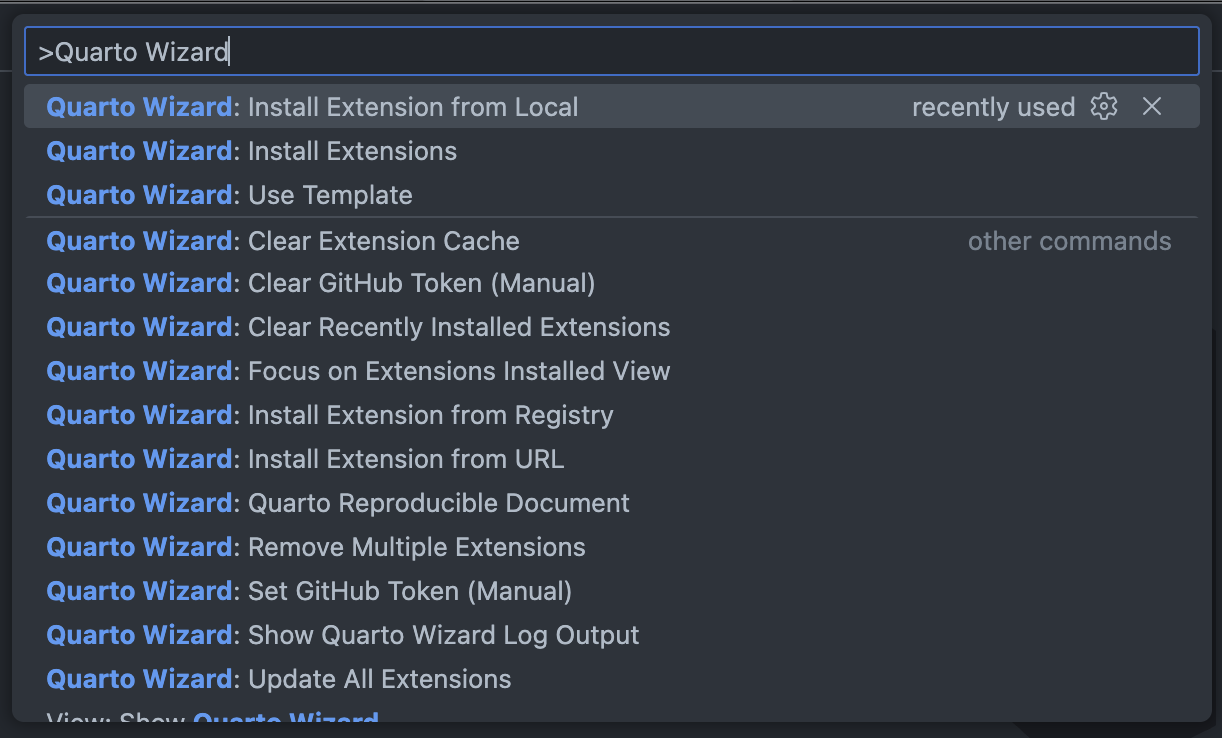
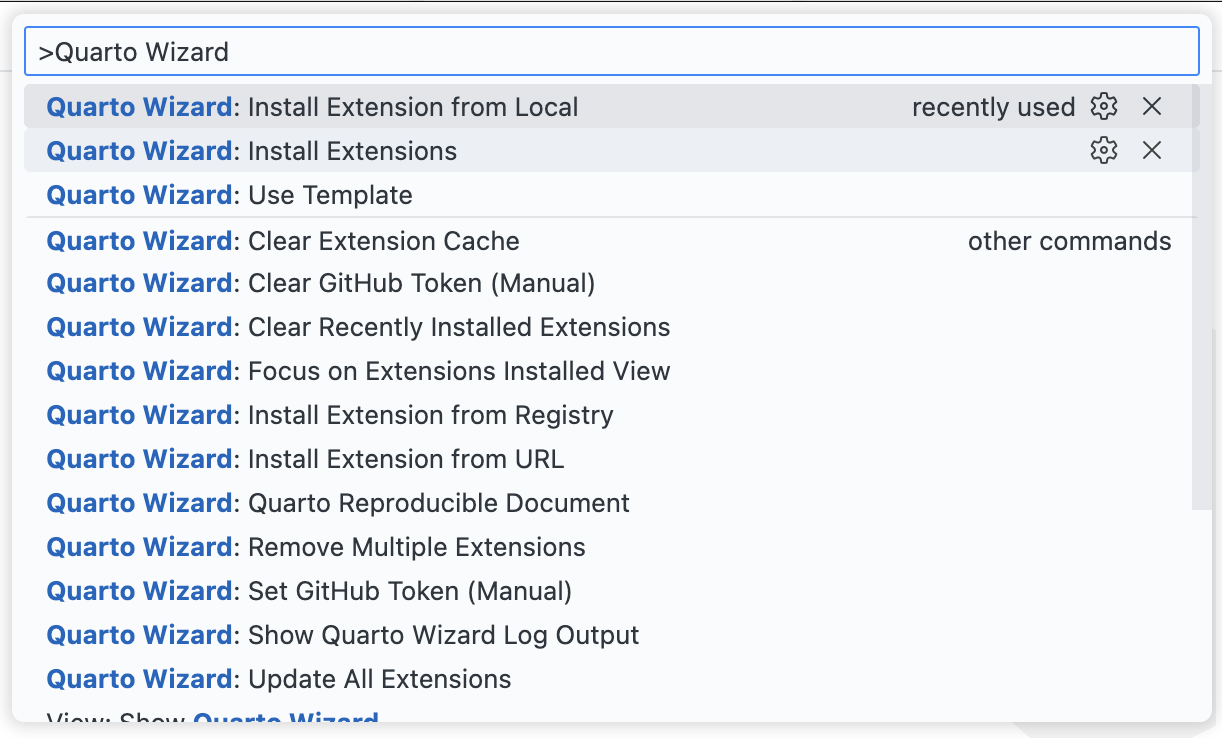
- Use the Command Palette (
Ctrl+Shift+PorCmd+Shift+P) and type “Quarto Wizard” to see available commands.
In This Section
- Installation - How to install Quarto Wizard and system requirements.
- Installing Extensions - Browse and install extensions from multiple sources.
- Explorer View - Manage installed extensions from the sidebar.
- Using Templates - Quick-start documents with templates.
- Reproducible Documents - Create reproducible examples for R, Python, or Julia.
- Typst Preview - Compile the Typst block under the cursor and see the image beside the editor.
- Troubleshooting - Common issues and solutions.