Reproducible Documents
Quarto Wizard can create reproducible example documents (reprex) for R, Python, and Julia. These are useful for bug reports, feature requests, or sharing code examples.
Creating a Reproducible Document
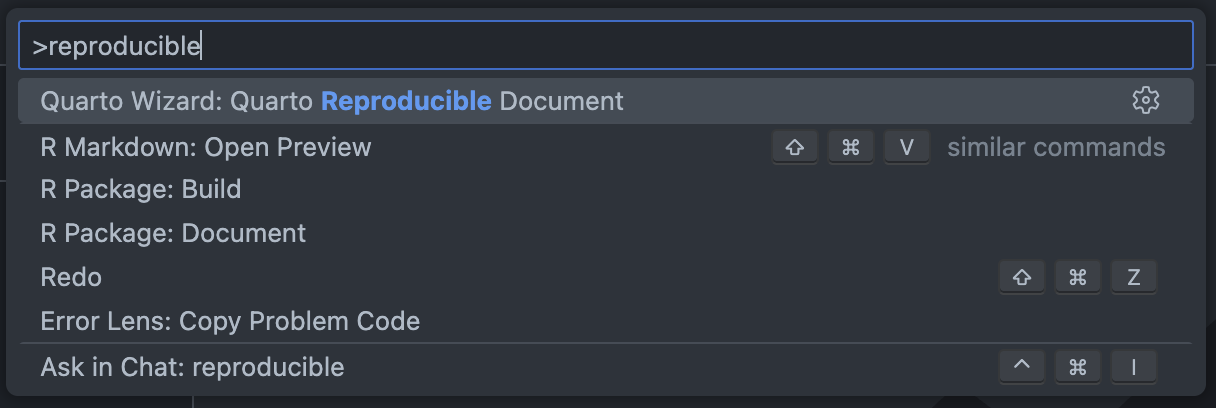
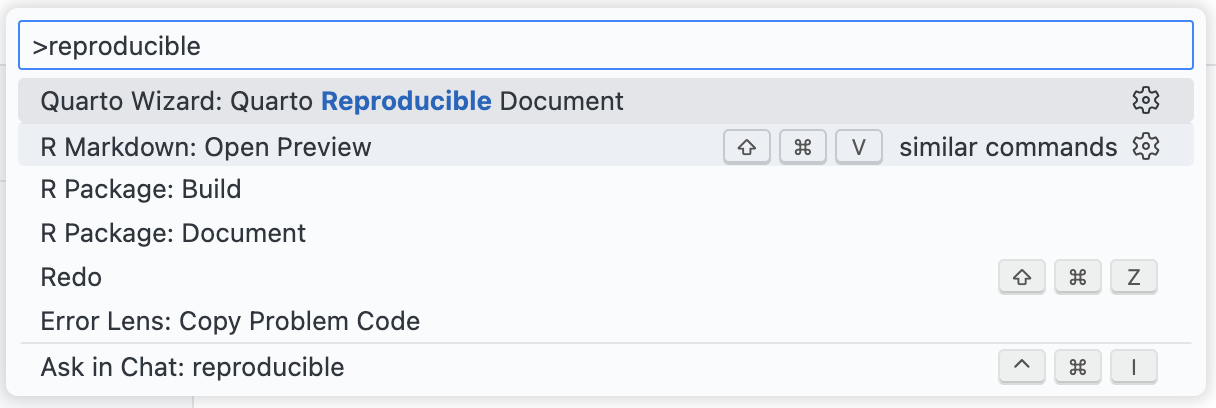
- Open the Command Palette (
Ctrl+Shift+PorCmd+Shift+Pon macOS). - Type
Quarto Wizard: Quarto Reproducible Documentand select it. - Choose the language: R, Python, or Julia.
- A new untitled document opens in the editor with a ready-to-use template.


Use Cases
Reproducible documents are helpful for:
- Bug reports: Share a minimal example that reproduces an issue.
- Feature requests: Demonstrate a desired behaviour.
- Stack Overflow questions: Provide complete, runnable code.
- Documentation: Create examples that others can verify.
Best Practices
When creating a reproducible example:
- Keep it minimal: Include only the code necessary to demonstrate the issue.
- Use built-in datasets: Avoid dependencies on external data files.
- Include package versions: The templates automatically capture this information.
- Test your example: Ensure it runs from start to finish without errors (unless the error is what you’re demonstrating).
Accessing from Other Locations
You can also create reproducible documents from:
- File > New File menu: Select “Quarto Reproducible Document”.
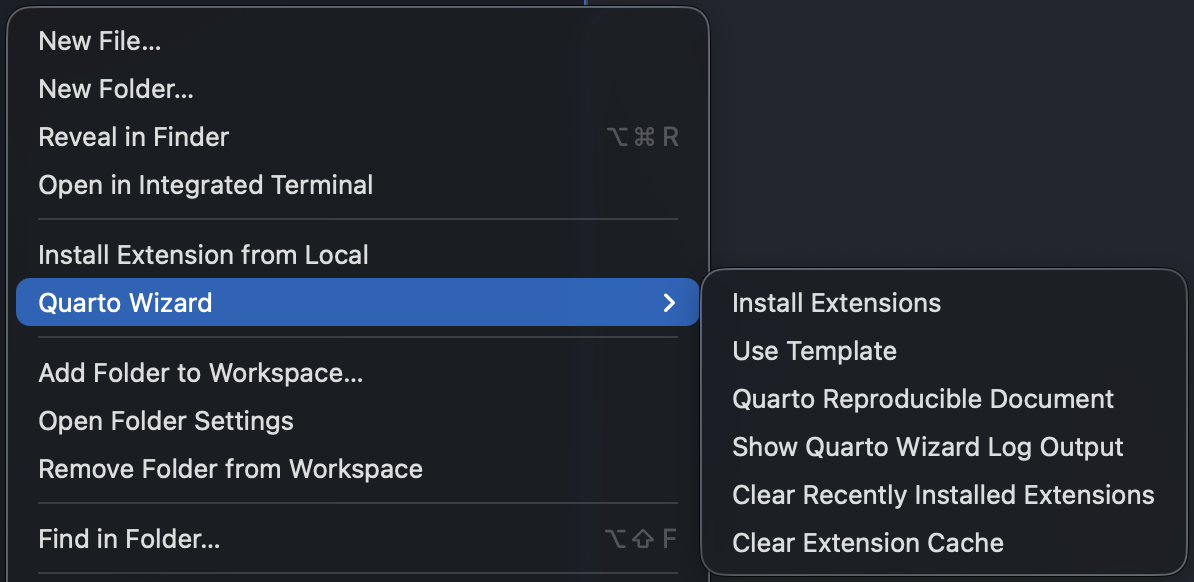
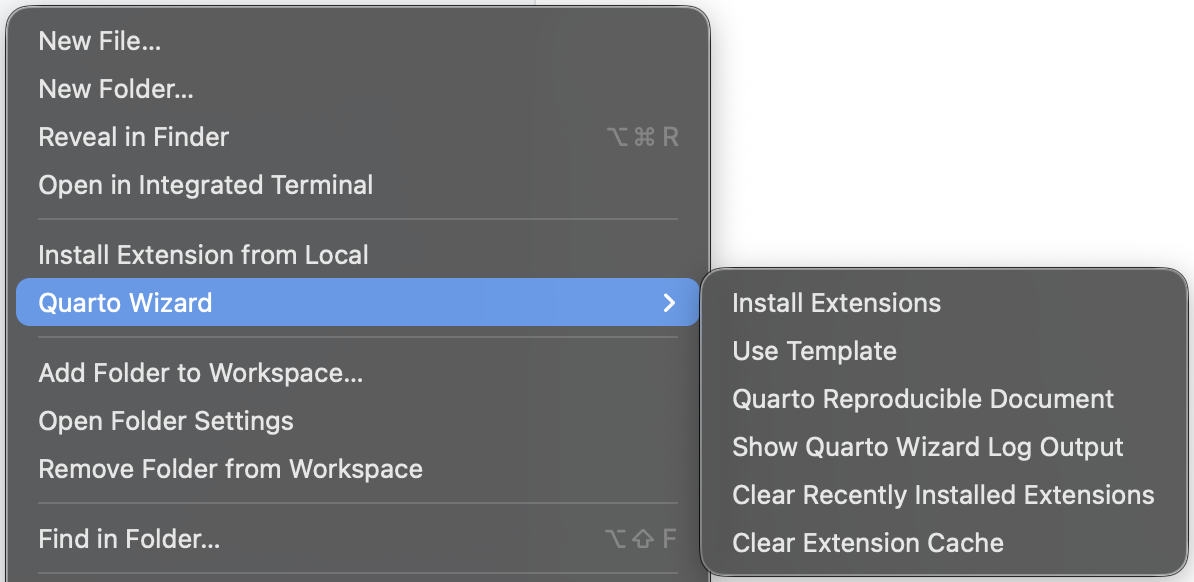
- Context menu: Right-click and select Quarto Wizard > Quarto Reproducible Document.