Using Templates
Quarto Wizard allows you to quickly start new documents using pre-configured templates from the extension registry, GitHub repositories, URLs, or local paths.
What are Templates?
Templates are special Quarto extensions that include starter files for specific document types, such as:
- Academic papers.
- Presentation slides.
- Letters and invoices.
- Journal article formats.
When you use a template, Quarto Wizard:
- Installs the extension.
- Copies the template files to your workspace.
Using the Template Browser
- Open the Command Palette (
Ctrl+Shift+PorCmd+Shift+Pon macOS). - Type
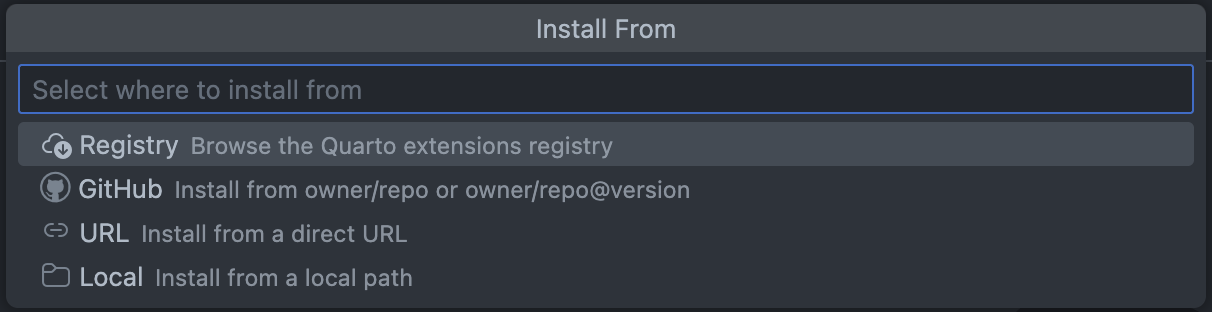
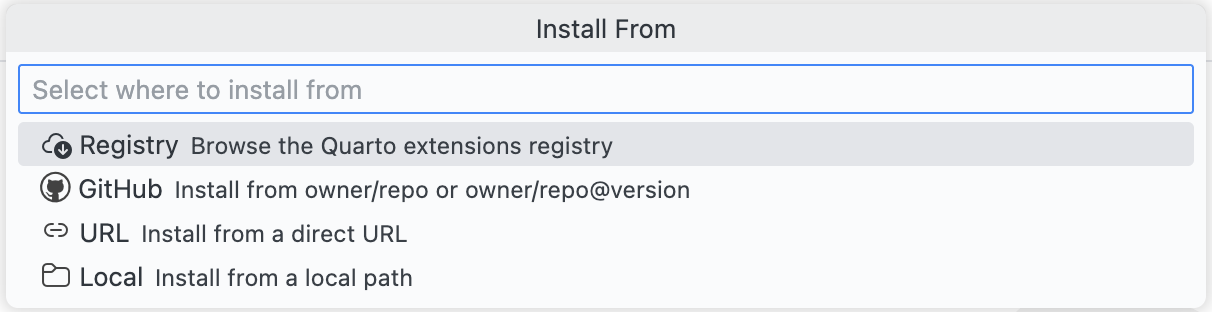
Quarto Wizard: Use Templateand select it. - Select an installation source (Registry, GitHub, URL, or Local).
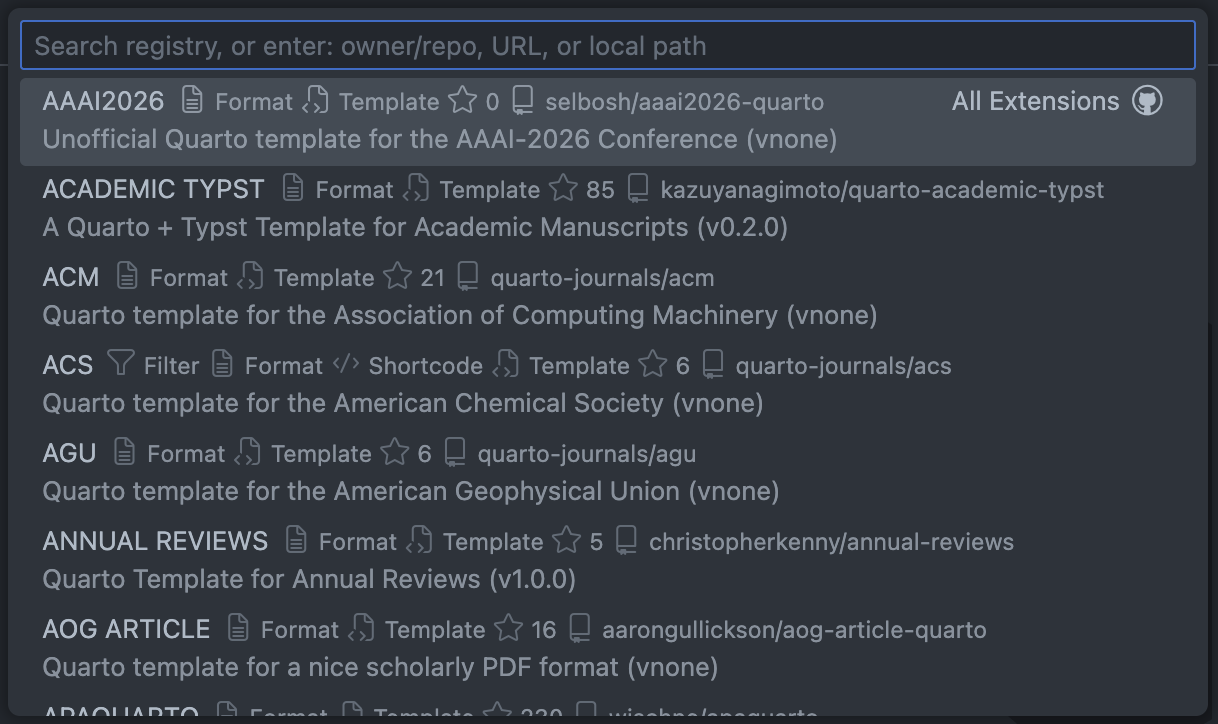
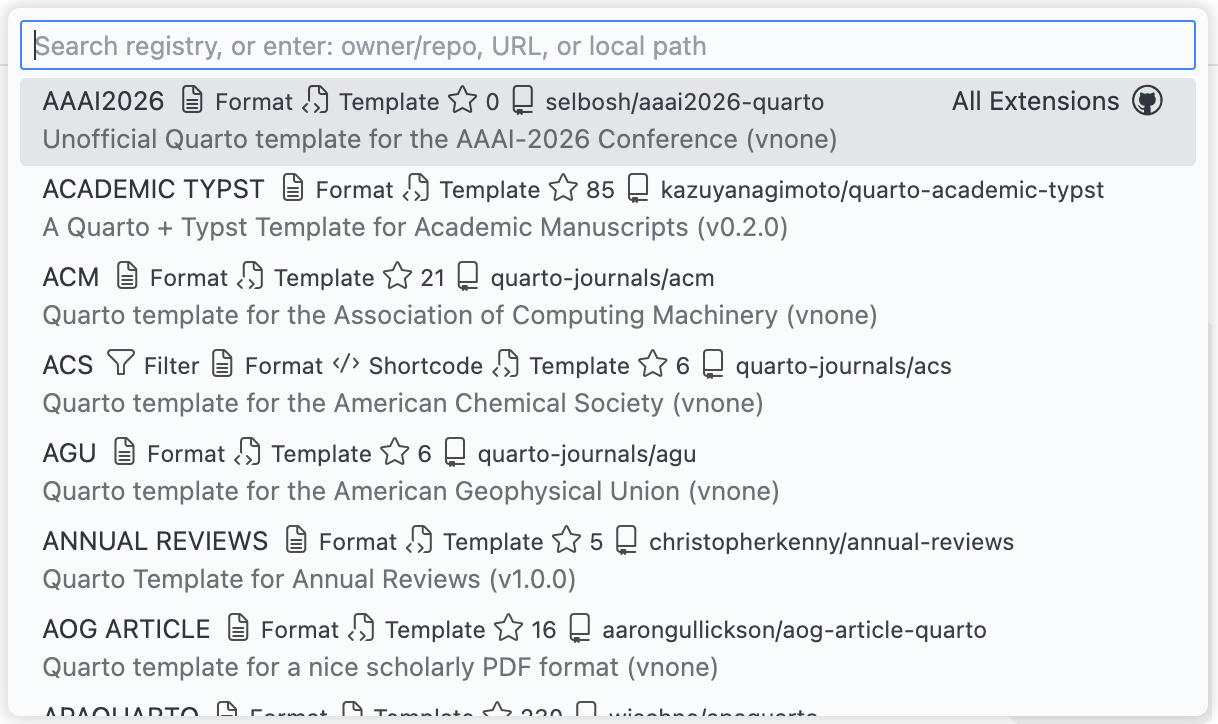
- For Registry: browse the list of available templates.
Installing a Template
- Select the template you want to use.
- Choose the workspace folder where the template should be installed (if multiple are available).
- Specify a target subdirectory for template files (optional).
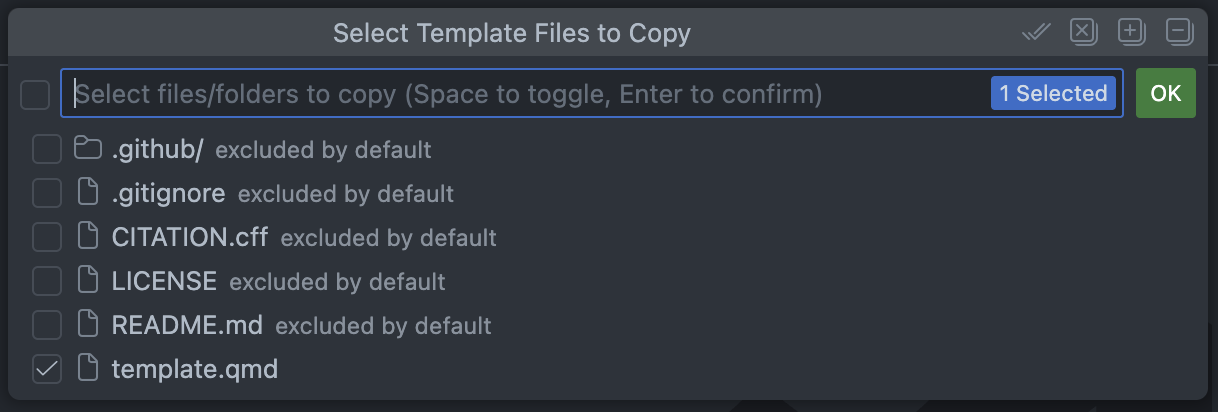
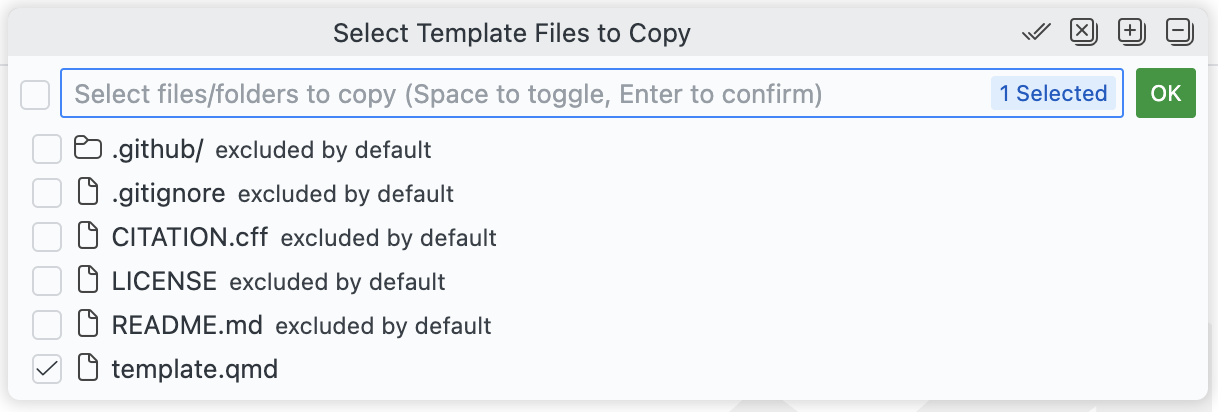
- Select which template files to copy.
- Confirm any file overwrites if necessary.


Target Subdirectory
When using a template, you can specify a subdirectory where the template files should be copied. This is useful when you want to organise your project or avoid overwriting existing files in the project root.
- Leave the field empty to copy files directly to the project root.
- Enter a relative path (e.g.,
my-projectordocs/templates) to copy files to that subdirectory.
Extensions are always installed to the _extensions/ directory at the project root, regardless of the target subdirectory setting. Only template files (e.g., .qmd documents, stylesheets) are affected by the target subdirectory.
Template Files
Templates typically include:
- A
.qmdstarter document. - Custom styling files (CSS, SCSS).
- Configuration files.
- Example content.
The “Use Template” command retrieves all files from the template repository and allows you to select which ones to copy. Common repository files (such as README, LICENSE, and Git configuration) are excluded by default, but you can include them if needed. Anything listed in the template repository’s .quartoignore starts unselected as well, so a documentation website or a scratch directory is not copied unless you tick it back on.
Recently Used Templates
Quarto Wizard keeps track of your recently used templates for quick access. These appear at the top of the template browser.
To clear this list, use Quarto Wizard: Clear Recently Installed Extensions (this also clears the recently installed extensions list).