geom-ribbon
Filled band between ymin and ymax along the x aesthetic, per group.
The mapping must provide x, ymin, and ymax. Within each group rows are sorted by x and the polygon is closed between the lower and upper boundaries. Discrete colour, fill, or group mappings split rows into separate bands.
Usage
geom-ribbon(
  mapping: none,
  data: none,
  colour: auto,
  fill: auto,
  stroke: none,
  alpha: auto,
  stat: "identity",
  position: "identity",
  key: auto,
  inherit-aes: true,
)
Parameters
| Parameter | Default | Description |
|---|---|---|
mapping |
none |
Layer-specific aesthetic mapping built with aes. Must map x, ymin, ymax. |
data |
none |
Layer-specific dataset, or a function applied to the plot data returning the layer frame. Falls back to the plot data when none. |
colour |
auto |
Band outline colour. auto resolves via the colour scale, falling back to the theme ink only when neither colour nor fill is set. |
fill |
auto |
Band fill colour. auto resolves via the fill scale or a neutral default. |
stroke |
none |
Band outline thickness (a Typst length) or stroke dictionary; none disables the outline. |
alpha |
auto |
Band opacity in [0, 1]. |
stat |
"identity" |
Statistical transform name. Usually "identity". |
position |
"identity" |
Position adjustment name. Usually "identity". |
key |
auto |
Legend glyph override built with a draw-key-* helper. auto picks the default for the geom. |
inherit-aes |
true |
Whether to merge the plot-level mapping into this layer’s mapping. |
Returns
Layer dictionary consumed by plot.
Examples
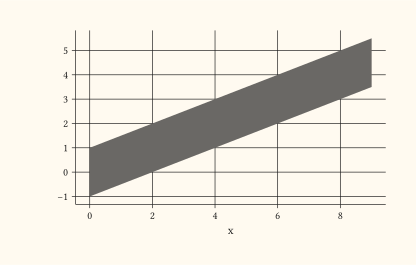
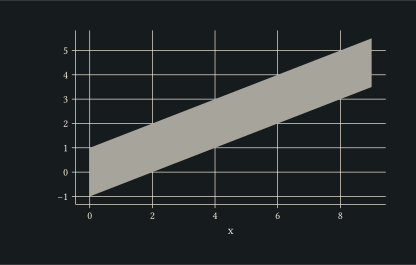
Plain shaded band between ymin and ymax.
#let d = range(0, 10).map(i => (
  x: i,
  lo: i * 0.5 - 1,
  hi: i * 0.5 + 1,
))
#plot(
  data: d,
  mapping: aes(x: "x", ymin: "lo", ymax: "hi"),
  layers: (geom-ribbon(alpha: 0.3),),
  width: 10cm,
  height: 6cm,
)
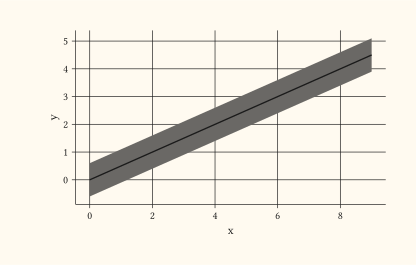
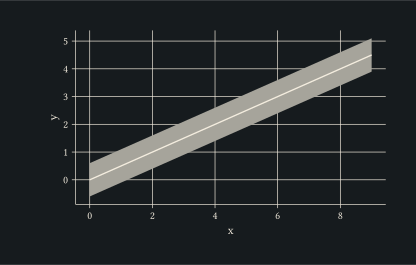
Pair the ribbon with geom-line over a y mid-line for a classic uncertainty-around-trend visualisation.
#let d = range(0, 10).map(i => (
  x: i, y: i * 0.5, lo: i * 0.5 - 0.6, hi: i * 0.5 + 0.6,
))
#plot(
  data: d,
  mapping: aes(x: "x", y: "y", ymin: "lo", ymax: "hi"),
  layers: (
    geom-ribbon(alpha: 0.3),
    geom-line(stroke: 1pt),
  ),
  width: 10cm,
  height: 6cm,
)
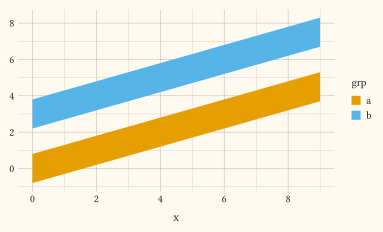
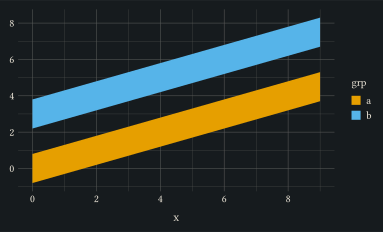
Map fill to a discrete column to draw one band per group.
#let d = ()
#for grp in ("a", "b") {
  for i in range(0, 10) {
    let mid = i * 0.5 + (if grp == "b" { 3 } else { 0 })
    d.push((x: i, lo: mid - 0.8, hi: mid + 0.8, grp: grp))
  }
}
#plot(
  data: d,
  mapping: aes(x: "x", ymin: "lo", ymax: "hi", fill: "grp"),
  layers: (geom-ribbon(alpha: 0.4),),
  width: 10cm,
  height: 6cm,
)