stat-bin
Bin statistic: partition x into uniform-width bins, count rows per bin.
Either bins or binwidth fixes the partition; if both are supplied, binwidth wins.
Usage
stat-bin(
  bins: 30,
  binwidth: none,
)
Parameters
| Parameter | Default | Description |
|---|---|---|
bins |
30 |
Target number of bins when binwidth is none. |
binwidth |
none |
Fixed bin width. Overrides bins when set. |
Returns
Statistic object with name: "bin", consumed by geom layers.
Outputs
x.y.width._count._density.
Examples
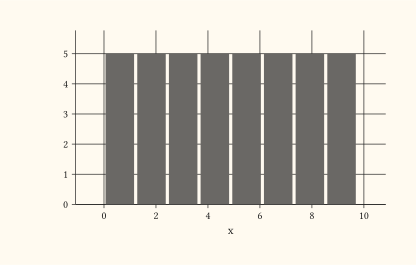
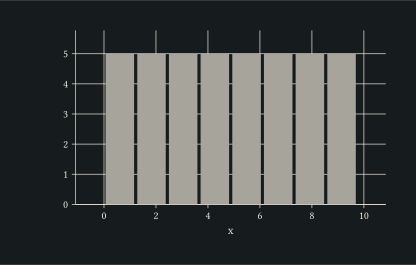
Histogram driven by an eight-bin partition.
#let d = range(0, 40).map(i => (x: i * 0.25))
#plot(
  data: d,
  mapping: aes(x: "x"),
  layers: (geom-histogram(bins: 8),),
  width: 10cm,
  height: 6cm,
)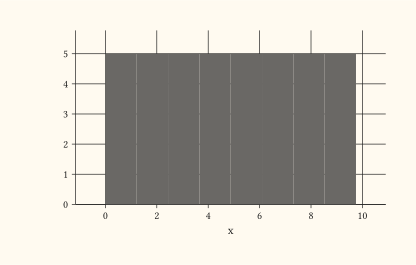
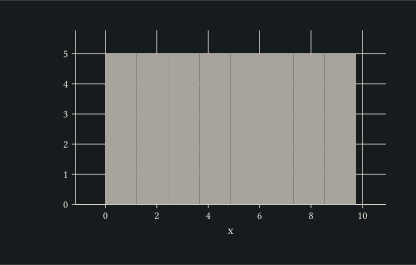
Constructor form: stat: stat-bin() is equivalent to stat: "bin" with defaults (bins: 30). Use the constructor to customise the partition on any geom, not just geom-histogram.
#let d = range(0, 40).map(i => (x: i * 0.25))
#plot(
  data: d,
  mapping: aes(x: "x"),
  layers: (geom-col(stat: stat-bin(bins: 8)),),
  width: 10cm,
  height: 6cm,
)