theme-minimal
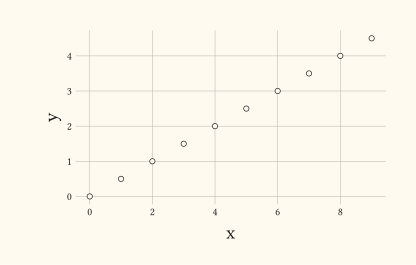
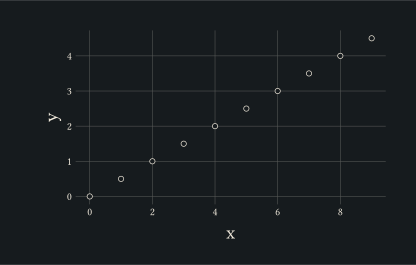
Minimal theme: white panel, light grey gridlines, no axis lines.
This is the gribouille default theme.
Usage
theme-minimal(
  ink: _tr-ink,
  paper: auto,
  accent: rgb("#3366FF"),
  ..fields,
)
Parameters
| Parameter | Default | Description |
|---|---|---|
ink |
_tr-ink |
Foreground colour (text). Default: black. |
paper |
auto |
Plot canvas fill. Default: transparent (no canvas drawn). Pass an explicit colour to paint the canvas behind the otherwise-blank panel. |
accent |
rgb("#3366FF") |
Accent colour driving layer defaults like geom-smooth’s stroke. Default: rgb("#3366FF"). |
..fields |
Extra overrides forwarded to theme; see its docs for the full catalogue of structured and flat keys. |
Returns
Theme dictionary consumed by plot.
Examples
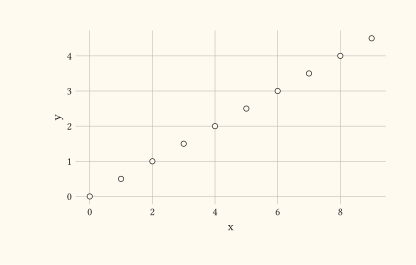
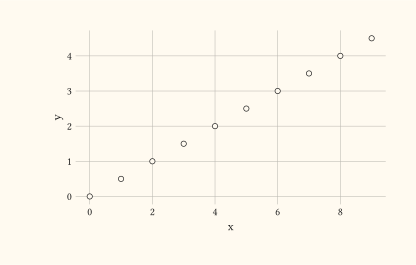
Minimal style: faint gridlines, no axis lines or tick marks.
#let d = range(0, 10).map(i => (x: i, y: i * 0.5))
#plot(
  data: d,
  mapping: aes(x: "x", y: "y"),
  layers: (geom-point(size: 2pt),),
  theme: theme-minimal(),
  width: 10cm,
  height: 6cm,
)
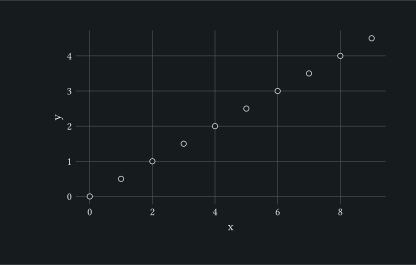
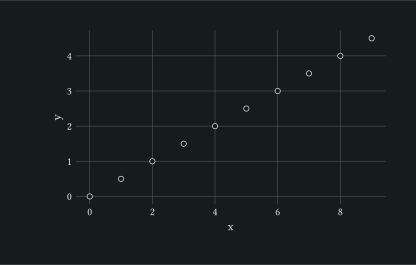
Pair the minimal theme with a coloured accent for slide decks where you still want a brand colour.
#let d = range(0, 10).map(i => (x: i, y: i * 0.5))
#plot(
  data: d,
  mapping: aes(x: "x", y: "y"),
  layers: (geom-point(size: 2pt),),
  theme: theme-minimal(accent: rgb("#1f77b4")),
  width: 10cm,
  height: 6cm,
)
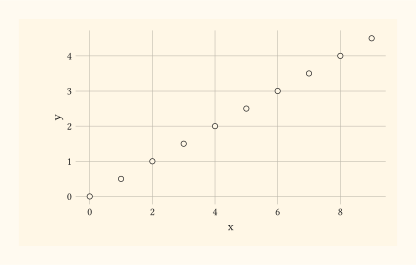
Paint the canvas behind the otherwise-blank panel by passing an explicit paper colour.
#let d = range(0, 10).map(i => (x: i, y: i * 0.5))
#plot(
  data: d,
  mapping: aes(x: "x", y: "y"),
  layers: (geom-point(size: 2pt),),
  theme: theme-minimal(paper: rgb("#fff7e6")),
  width: 10cm,
  height: 6cm,
)
Spot-override individual elements without rebuilding the theme from scratch.
#let d = range(0, 10).map(i => (x: i, y: i * 0.5))
#plot(
  data: d,
  mapping: aes(x: "x", y: "y"),
  layers: (geom-point(size: 2pt),),
  theme: theme-minimal(axis-title: element-text(size: 14pt)),
  width: 10cm,
  height: 6cm,
)