draw-key-rect
Draw-key returning a small filled rectangle.
Used by bar, col, rect, tile, polygon, area, ribbon, and histogram geoms.
Usage
draw-key-rect()Returns
Draw-key dictionary consumed by the legend renderer.
Examples
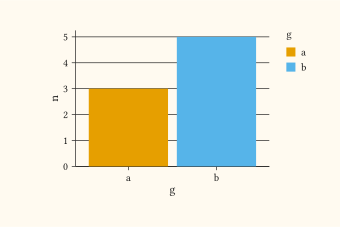
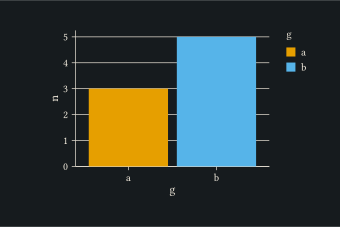
Filled rectangle glyph (the default for column layers).
#let d = (
  (g: "a", n: 3),
  (g: "b", n: 5),
)
#plot(
  data: d,
  mapping: aes(x: "g", y: "n", fill: "g"),
  layers: (geom-col(key: draw-key-rect()),),
  width: 8cm,
  height: 5cm,
)
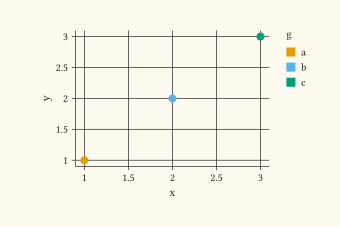
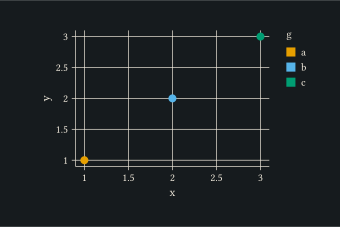
Use the rectangle glyph on a point layer when the legend reads more naturally as colour swatches.
#let d = (
  (x: 1, y: 1, g: "a"),
  (x: 2, y: 2, g: "b"),
  (x: 3, y: 3, g: "c"),
)
#plot(
  data: d,
  mapping: aes(x: "x", y: "y", fill: "g"),
  layers: (geom-point(size: 3pt, key: draw-key-rect()),),
  width: 8cm,
  height: 5cm,
)
See also
draw-key-point, draw-key-line, draw-key-path, draw-key-blank.