theme-sub-strip
Shortcut for facet strip text and background.
Usage
theme-sub-strip(
  text: none,
  background: none,
)
Parameters
| Parameter | Default | Description |
|---|---|---|
text |
none |
element-text or element-typst for strip-text. |
background |
none |
element-rect or element-blank for strip-background. |
Returns
Theme dictionary with the named strip overrides applied.
Examples
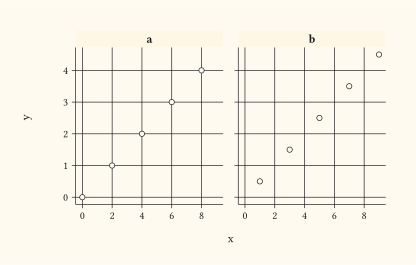
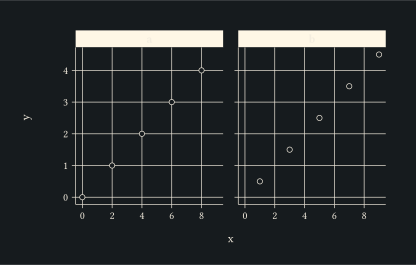
Bold strip text on a cream background; faceting makes the strip visible.
#let d = range(0, 10).map(i => (
  x: i,
  y: i * 0.5,
  g: if calc.even(i) { "a" } else { "b" },
))
#plot(
  data: d,
  mapping: aes(x: "x", y: "y"),
  layers: (geom-point(size: 2pt),),
  facet: facet-wrap("g"),
  theme: theme-sub-strip(
    text: element-text(weight: "bold"),
    background: element-rect(fill: rgb("#fff7e6")),
  ),
  width: 10cm,
  height: 6cm,
)