element-line
Line element: colour and stroke thickness.
Pass the result to theme under keys like panel-grid or axis-line.
Usage
element-line(
  colour: none,
  stroke: none,
)
Parameters
| Parameter | Default | Description |
|---|---|---|
colour |
none |
Line colour, or none to inherit. |
stroke |
none |
Line thickness. Either an absolute Typst length (e.g., 1pt), a ratio (e.g., 80%) scaling the parent surface stroke, or none to inherit the parent thickness unchanged. Absolute lengths win outright; ratios cascade proportionally, so setting the base line stroke rescales every surface that inherits via a ratio. The native 1pt + red form is also accepted: its paint fills in colour unless colour is set. |
Returns
Element dictionary consumed by theme.
Examples
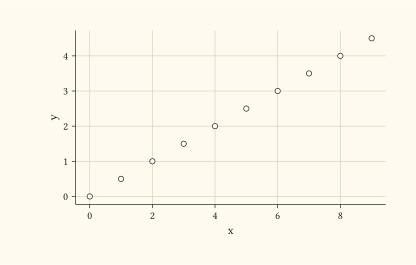
Recolour the panel grid via theme.
#let d = range(0, 10).map(i => (x: i, y: i * 0.5))
#plot(
  data: d,
  mapping: aes(x: "x", y: "y"),
  layers: (geom-point(size: 2pt),),
  theme: theme(panel-grid: element-line(colour: rgb("#d9cfbf"))),
  width: 10cm,
  height: 6cm,
)
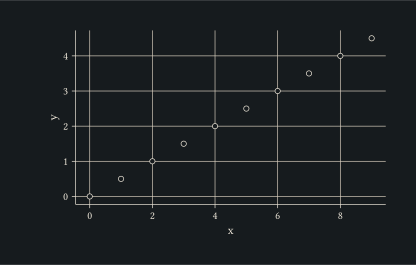
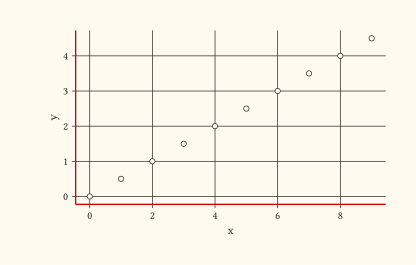
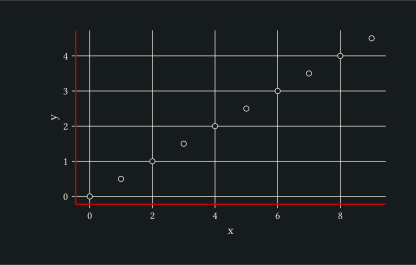
Strengthen the axis line by setting both colour and stroke.
#let d = range(0, 10).map(i => (x: i, y: i * 0.5))
#plot(
  data: d,
  mapping: aes(x: "x", y: "y"),
  layers: (geom-point(size: 2pt),),
  theme: theme(axis-line: element-line(
    colour: rgb("#cc0000"),
    stroke: 1pt,
  )),
  width: 10cm,
  height: 6cm,
)