margin
Per-side spacing record consumed by element-text / element-typst (text margin to neighbours) and element-rect (inset / outset offsets around the painted rectangle).
Each side accepts a Typst length (e.g., 1cm, 8pt, 0.3em), a ratio (e.g., 5%), a relative (e.g., 5% + 1cm), or auto. On rect surfaces, % / relative sides resolve against the plot canvas dimensions (width-units for horizontal sides, height-units for vertical) at both draw time (inset) and layout time (outset). auto falls through to the consuming surface’s renderer default (text gap) or to a zero offset (rect inset / outset). Bare margin() leaves every side at auto.
Usage
margin(
  top: auto,
  right: auto,
  bottom: auto,
  left: auto,
)
Parameters
| Parameter | Default | Description |
|---|---|---|
top |
auto |
Top margin (Typst length or auto). |
right |
auto |
Right margin. |
bottom |
auto |
Bottom margin. |
left |
auto |
Left margin. |
Returns
Margin dictionary consumed by element-text, element-typst, and element-rect.
Examples
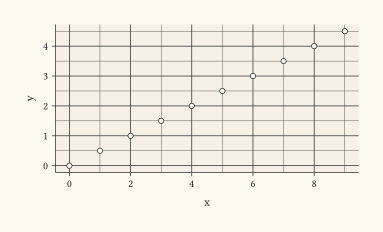
Loosen the gap between the y-axis tick labels and the axis-title via element-text’s margin.
#let d = range(0, 10).map(i => (x: i, y: i * 0.5))
#plot(
  data: d,
  mapping: aes(x: "x", y: "y"),
  layers: (geom-point(size: 2pt),),
  labels: labels(y: "Cumulative Response"),
  theme: theme(axis-title-y-left: element-text(margin: margin(right: 0.6em))),
  width: 10cm,
  height: 6cm,
)
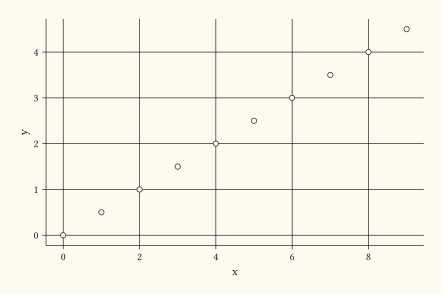
Pad a panel background so its rectangle frames the data region with extra breathing room (inner padding via inset).
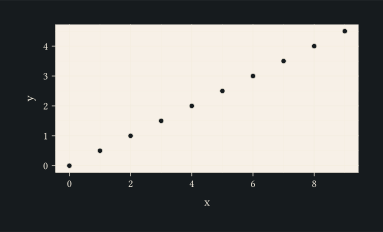
#let d = range(0, 10).map(i => (x: i, y: i * 0.5))
#plot(
  data: d,
  mapping: aes(x: "x", y: "y"),
  layers: (geom-point(size: 2pt),),
  theme: theme(panel-background: element-rect(
    fill: rgb("#f7f0e7"),
    inset: margin(top: 0.4cm, right: 0.4cm, bottom: 0.4cm, left: 0.4cm),
  )),
  width: 10cm,
  height: 6cm,
)
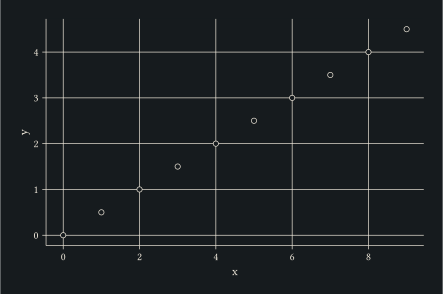
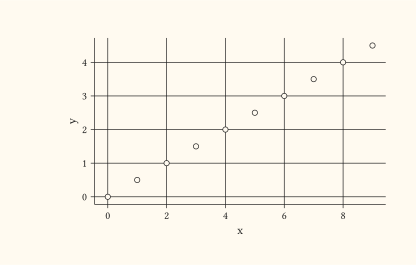
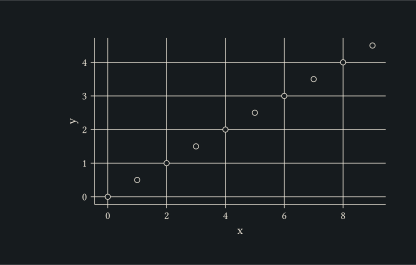
Reserve outer whitespace around a tinted panel background; the panel canvas shrinks but the rectangle still surrounds the data.
#let d = range(0, 10).map(i => (x: i, y: i * 0.5))
#plot(
  data: d,
  mapping: aes(x: "x", y: "y"),
  layers: (geom-point(size: 2pt),),
  theme: theme(panel-background: element-rect(
    fill: rgb("#f7f0e7"),
    outset: margin(top: 0.4cm, right: 0.4cm, bottom: 0.4cm, left: 0.4cm),
  )),
  width: 10cm,
  height: 6cm,
)