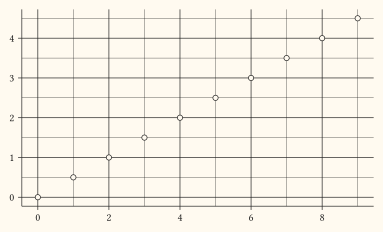
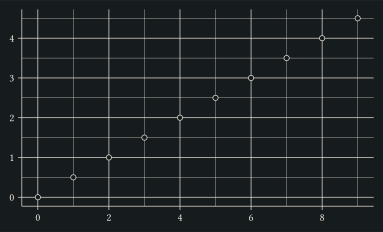
element-blank
Blank element: hides the corresponding theme element.
Pass the result to theme under keys like panel-grid or axis-line to turn them off entirely. On a text surface (axis-title, plot-title, legend-title, …) it also collapses the space the text would reserve, so the data panel grows into the freed area.
Usage
element-blank()Returns
Element dictionary consumed by theme.
Examples
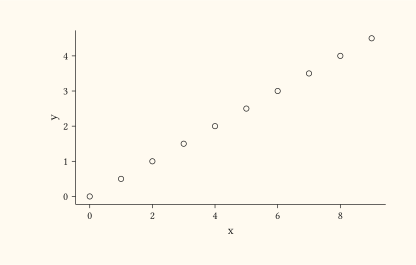
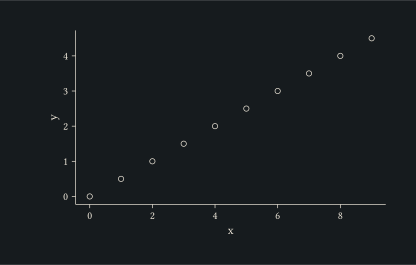
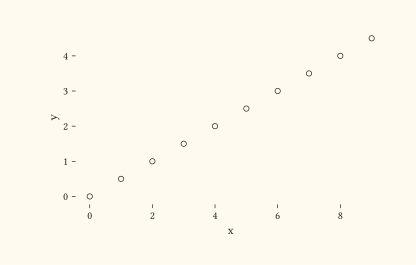
Hide the panel grid entirely.
#let d = range(0, 10).map(i => (x: i, y: i * 0.5))
#plot(
  data: d,
  mapping: aes(x: "x", y: "y"),
  layers: (geom-point(size: 2pt),),
  theme: theme(panel-grid: element-blank()),
  width: 10cm,
  height: 6cm,
)
Combine element-blank with other overrides to remove multiple non-data marks at once.
#let d = range(0, 10).map(i => (x: i, y: i * 0.5))
#plot(
  data: d,
  mapping: aes(x: "x", y: "y"),
  layers: (geom-point(size: 2pt),),
  theme: theme(
    panel-grid: element-blank(),
    axis-line: element-blank(),
  ),
  width: 10cm,
  height: 6cm,
)
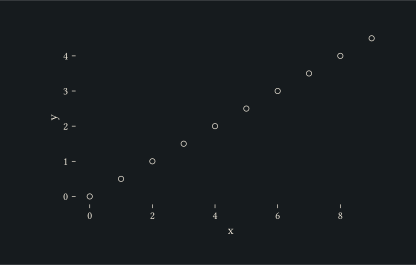
Blank a text surface to drop its ink and reclaim its space; here the axis titles collapse while tick labels stay.
#let d = range(0, 10).map(i => (x: i, y: i * 0.5))
#plot(
  data: d,
  mapping: aes(x: "x", y: "y"),
  layers: (geom-point(size: 2pt),),
  labels: labels(x: "Index", y: "Value"),
  theme: theme(axis-title: element-blank()),
  width: 10cm,
  height: 6cm,
)